
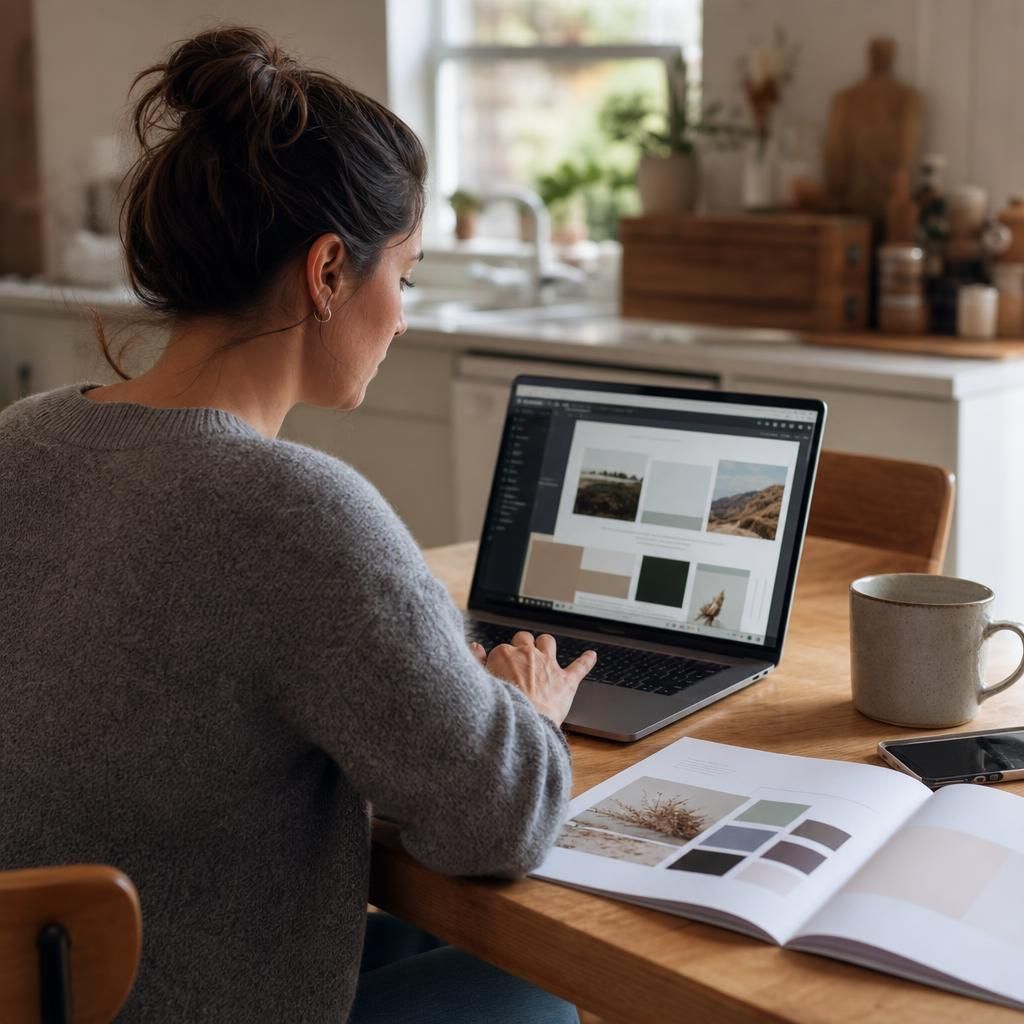

Easy Website Builder for Small Business Owners Who Are Not Technical
Quick Answer
An easy website builder for small business should help you launch fast, edit without code, and publish a professional site that can attract leads, bookings, or sales. Avantiy is built for that exact job, with templates, AI-assisted structure, SEO tools, and business-ready sections that keep setup simple.
If you want a simple site without hiring a developer, an easy website builder for small business is the fastest path forward. The right tool should help you choose a template, add your services, and publish a clean website without technical frustration. That matters for service providers, solo founders, and small shops that need results, not complexity. Avantiy is designed for that use case, with website templates for small businesses, business-ready sections, and SEO tools that make setup feel manageable. You do not need to master code or spend weeks learning a platform. Instead, you can start with a structure that already fits your business, then adjust the pages, forms, and content as you go. If you have been searching for the easiest website builder for small business, this guide shows what to look for and why simplicity often beats feature overload.
The easiest website builder for small business is the one that helps you launch without confusion
The easiest website builder for small business is the one that removes setup friction. It should let you build a professional site, edit content quickly, and publish without needing technical help.
That is why simplicity matters more than a long feature list. Most small business owners do not need complex workflows. They need a homepage, service pages, contact options, and a clear next step for visitors. A focused platform helps you do that faster.
Avantiy is built around that idea. It combines a no-code editor with layouts for services, portfolios, blogs, and stores. If you want a practical starting point, you can also explore Small Business Website Builder and see how a streamlined setup supports real business goals.
For context, many buyers compare builders by ease of use, launch speed, and support for business basics. External reviews often follow the same pattern. For example, Zapier’s guide to the best website builders for small business focuses heavily on usability, while TechRadar’s website builder roundup highlights how easy tools reduce the learning curve for beginners.
The best choice is not the most complicated one. It is the one that helps you get online, stay in control, and keep improving the site over time. That is what a true easy website builder for small business should do.
How does an easy website builder for small business work?
An easy website builder for small business works by giving you pre-built structure and simple editing tools. You choose a template, replace placeholder content, and publish pages without writing code.
This approach saves time because you do not start from a blank canvas. You start with a business layout already built for common needs like services, contact forms, and lead generation. That makes the website feel clearer from the first step.
What makes an easy website builder for small business actually easy to use?
An easy website builder for small business should reduce decisions, not add them. It should guide you through setup with templates, ready-made sections, and editing tools that feel intuitive.
Avantiy does that with a simple no-code experience. You can update text, swap images, and tailor sections without dealing with code or design systems. That is especially useful if you want to launch quickly and keep control yourself. If you are comparing options, our best website builder for beginners guide is a useful next read.
Here is what makes the experience easier:
- You start with a business-focused template instead of a blank page.
- You can add essential sections like services, testimonials, and contact forms.
- You can shape the site around your offer, not around technical limitations.
- You can improve search visibility with built-in SEO website builder
tools.
For people who want a more visual explanation of what a business site should communicate, this video is a helpful starting point before you choose a builder:
The point is simple. Ease comes from structure, not from removing control. The easiest website builder for small business gives you enough guidance to move quickly, while still letting you customize the final result.
No coding
No coding means you can build and edit your website without technical skills. That is ideal if you want to focus on your business instead of learning a development stack.
Editable templates
Editable templates give you a head start. They keep the design clean while letting you adjust text, images, and sections to match your brand.
Ready-made business sections
Ready-made business sections help you launch faster. You can add service descriptions, booking prompts, inquiry forms, portfolios, or store content without building each block from scratch.
AI-assisted structure
AI-assisted structure is useful when you are unsure how to organize the site. It can suggest a sensible page flow, which helps you avoid clutter and confusion.
Who is the easiest website builder for small business best for?
The easiest website builder for small business is best for owners who want speed and clarity. It works especially well for people who need a professional site without hiring an agency or developer.
That includes consultants, coaches, salons, tradespeople, photographers, agencies, and small online stores. It also works for solo founders who need a simple launch path. If your goal is to publish a clean, credible site and start generating inquiries, this model fits well.
Avantiy is useful across those business types because it offers service layouts, portfolio layouts, booking and inquiry sections, and store templates. You can see how this applies to service brands in Website Builder for Service Business and to visual brands in Best website builder for photographers.
If you are asking whether an AI tool can do the job, the answer is partly yes. AI can help generate structure and page ideas, but you still need to review the content, brand voice, and conversion flow. A good builder uses AI as a helper, not a replacement for judgment.
For a step-by-step look at building a simple site, this walkthrough shows the kind of process beginners usually want:
The easiest website builder for small business is not the one with the most tabs. It is the one that matches your goals, your schedule, and your comfort level.
What can you build with an easy website builder for small business?
An easy website builder for small business should cover the website types most owners actually need. That usually means a service site, a portfolio, a simple store, or a lead-generation website.
With Avantiy, you can build pages that support calls, bookings, inquiries, publishing, and product sales. You can also use business blog tools to support ongoing SEO and content marketing. If you want a broader overview of templates that fit different industries, visit customizable website templates.
Typical use cases include:
- A coach or consultant website with service pages and contact forms
- A salon website with booking-ready sections
- A photographer portfolio with gallery-style layouts
- A trades or local service site with clear calls to action
- A small store with product-focused pages
- A creator or agency site with a blog and lead capture
According to Squarespace’s small business website guide, small business sites are often built around presenting services clearly and helping customers take action. That is the right principle, even if your platform is different. Likewise, Canva’s business website resource emphasizes simple publishing for non-technical users.
The main goal is not to build everything. It is to build the right things well. A focused site usually converts better than a busy one.
Start with the easiest website builder for small business and launch faster
The fastest way to publish a small business site is to start with a template and edit from there. That reduces decision fatigue and helps you move from idea to live website in less time.
Begin with three essentials: your offer, your contact path, and one clear action for visitors. Then add supporting sections like testimonials, FAQs, or a portfolio. If your site needs to rank, pair that with basic SEO from the start. Our how to build a website guide can help you plan the process.
A simple launch process looks like this:
1. Choose a template that fits your business type.
2. Add your headline, services, and contact details.
3. Include a booking or inquiry section if you sell services.
4. Edit images and copy so the site feels like your brand.
5. Publish, then refine based on real visitor behavior.
If you want the easiest website builder for small business, focus on the path that gets you online with the least stress. That usually means fewer moving parts, stronger templates, and tools built for business outcomes. Avantiy is designed to make that path practical from day one.
Key Takeaways
- An easy website builder for small business should reduce confusion and help you launch quickly.
- The best option is usually template-driven, no-code, and focused on real business tasks.
- Avantiy supports service pages, portfolios, booking forms, stores, blogs, and SEO tools.
- Simple websites work best when they have one clear goal and a clean next step.
- AI can help plan structure, but a website builder is still needed to publish and manage the site.
Frequently Asked Questions
What is the easiest website builder for a small business?
The easiest website builder for a small business is one that lets you launch quickly without coding, confusion, or extra setup. It should include editable templates, simple page editing, and business-ready sections for services, forms, or products. Avantiy is built for that kind of straightforward workflow.
Can ChatGPT build me a website?
ChatGPT can help plan website content and structure, but it does not replace a full website builder. You still need a platform to design pages, publish them, and manage the live site. AI is useful as a helper, while a builder handles the actual website creation process.
How to make a simple website for a small business?
Start with a template, add your core services, and make it easy for visitors to contact you. Keep the site focused on one goal, such as bookings, inquiries, or sales, then publish and refine. A simple website works best when the structure is clear and the next step is obvious.
Can I build a simple website for free?
Yes, you can build a simple website for free with some platforms, but free plans often come with limits. These usually include branding, fewer features, or less flexibility. If your business needs a professional look, more control, and better lead generation, a paid plan is often the better long-term choice.
Start building your new website today
No credit of debit card required start building today